
Choose the dock's spot.
Find a suitable powered position with a clear approach. Follow the instructions for the connectivity equipment supplied with your mower.
Place the dock, connect the mower to its app and show it where to cut. Both models guide you through setup on your phone.
Compare L1500 and TRON ↗Find a suitable powered position with a clear approach. Follow the instructions for the connectivity equipment supplied with your mower.
Pair your phone, create mowing areas and tell the mower where it should stay out. You can adjust the map later as your garden changes.
Choose mowing times, check progress in the app and let the mower return to its dock when it needs a charge.
Pick your mower below. Each has the same simple guide: how the app works, a video and its English manual.
 App interface
Use the app to pair TRON, build its lawn map, choose where it cuts and check its progress. You can change schedules and zone settings later without remapping the whole property.
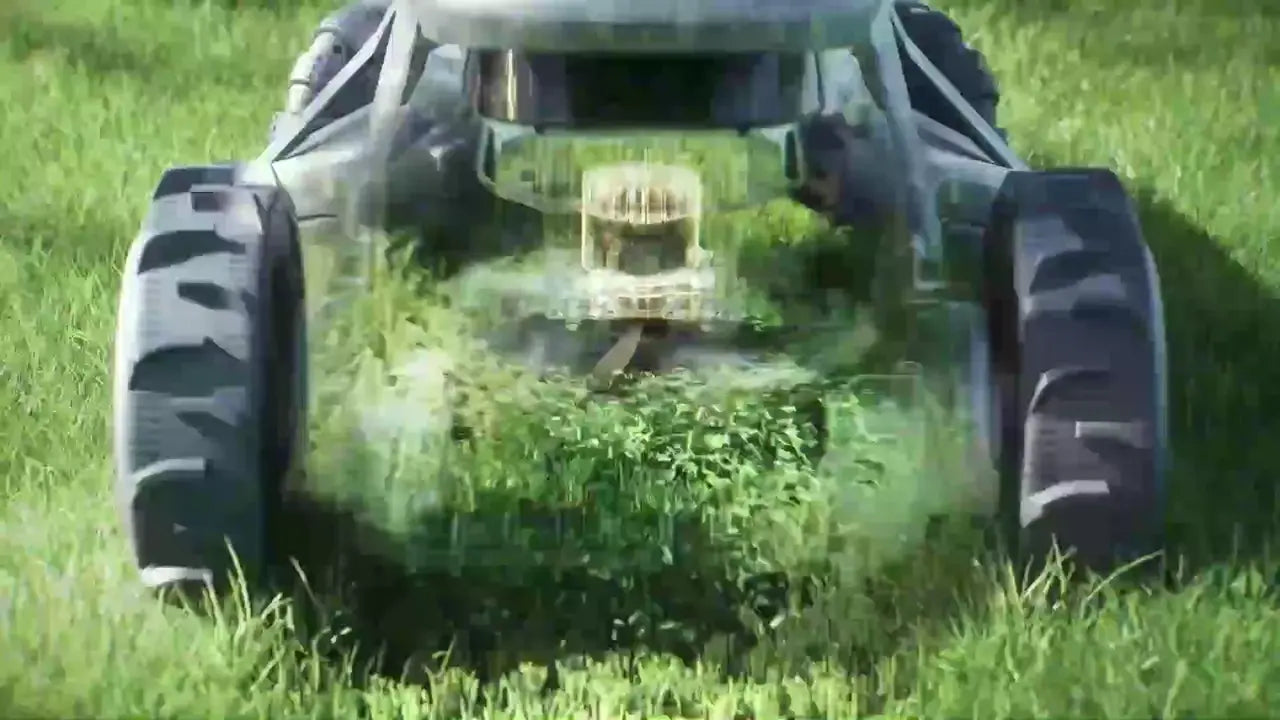
See the mower in action. For the detailed installation sequence, follow the four steps above and the English manual.
English manual · PDF ↗Use the app to connect your L1500, draw its lawn map, set no-go zones and passages, then create mowing plans. The app also shows your mower's status and lets you update its plan later.
The L Series walkthrough covers the dock, connection and first lawn map.
English manual · PDF ↗LOPKIN L1500 uses a cutting disc with three replaceable blades. TRON's FlowCut system cuts and mulches the clippings as it mows. Keep blades clean and replace worn ones according to each manual.
Free spare blades with each mower. A spare blade set is included at no extra charge.
For safety, switch off the mower and follow its manual before handling a blade.
Robo Ready can help you choose the right mower and point you to the relevant steps.